
We would like to share our experience connecting USM (USU Service Management) with Jira.
Introduction
USU Service Management (USM) is an IT Service Management (ITSM) software solution developed by the German company USU. It supports ITSM processes, Service Desk operations, and more. The platform is highly customizable and can handle complex workflows, which can be designed directly using BPMN 2.0.
Atlassian Jira is a widely used solution originally designed for managing software development. Today, it has evolved into a comprehensive platform for managing many different types of projects. The related product Jira Service Management (JSM) represents a modern ITSM tool built on the Jira platform.
Why connect Jira with USM?
Both systems manage tasks within different processes. In our client projects, we have encountered several scenarios where integrating the two systems brings clear benefits.
Company using both tools for different processes
Some companies run their Service Desk in USM while managing software development in Jira. In such cases, synchronization between Service Desk tickets from customers (end users) and the development team is crucial for quickly sharing information and the status of ongoing work.
Organization uses USM internally and external partners use Jira
Another common scenario is when a company uses USM internally for Service Desk and other processes but collaborates with external partners who operate their Service Desk in Jira Service Management. In this case, creating and updating tickets in the partner system should be automated.
One USM instance connected to multiple Jira instances
It is also common for one USM system to be connected to multiple Jira instances (for example from different partners or internal departments). This scenario requires multiple interfaces, sometimes with different technical or logical configurations. Nevertheless, overall synchronization can still be achieved.

The main idea is to avoid manual retyping of tickets from one system into another.
How we do it
Based on customer requirements, we developed the USU Service Management Connector for Jira several years ago and have continuously extended it since then.
The solution consists of:
- Jira app available on the Atlassian Marketplace
- corresponding USM customization package
The app is available for Jira Cloud and Jira Data Center.
Challenges we encountered
Apart from typical integration challenges such as field mapping, event handling, and interface configuration, we also encountered and solved the following technical challenges:
Transport of attachments in both directions
Jira and USM store attachments in different ways. Therefore, we had to implement a mechanism outside the standard capabilities of the USM Generic Interface to properly transfer attachments between the systems.
Synchronization of rich text fields
Both Jira and USM support formatted text fields with embedded images. This was particularly challenging because both systems use different formats. Embedded images need to be transferred first and then correctly referenced by links within the synchronized content.

Authentication and Generic Interface messages
USM Generic Interfaces use a less common authentication format, which required us to implement special handling within the Jira app, including custom request formatting.
Opening communication between USM and Jira
In many projects, the most challenging part is establishing secure communication between USM and Jira, especially due to client security policies.
This is particularly complex when connecting on-premise USM environments with Atlassian Cloud. Successful setup requires close cooperation with the client’s infrastructure and security teams.
There are multiple ways to configure this connection, and each project typically requires an individual solution.
We can also support clients running USM in the SaaS environment hosted by USU, which can be integrated using Orchestra interfaces.
Can the connector be used for a migration from USM to Jira?
Yes. The USM component of the connector can serve as a foundation for such a migration.
However, the app itself is primarily designed as a live bidirectional integration, not as a migration tool. A migration can be performed as part of a custom project, and the USM part of the connector can significantly speed up the process.
Further information
You can find more information about the app on the Atlassian Marketplace:
If you have any questions or a specific use case for the connector, feel free to contact us.
We will be happy to support your project.


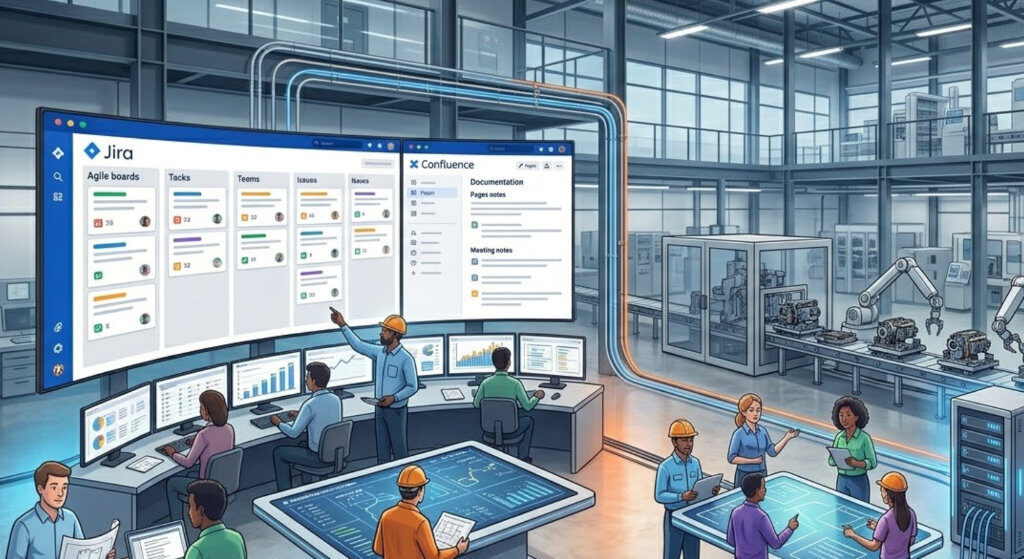
How Jira, Confluence, and AI Are Transforming Collaboration in Manufacturing Companies
Manufacturing companies today operate in increasingly complex environments. Product development is no longerf a linear process. It requires close collaboration between hardware and software teams, production, and business functions such as sales and marketing. At the same time, many organizations still rely on a mix of disconnected tools. Spreadsheets are used for

Migrating to Jira Service Management: Challenges and Best Practices
Migrating to Jira Service Management: Challenges and Best Practices Why Migrating to Jira Service Management Is More Than a Data Import Organizations modernizing their IT Service Management (ITSM) landscape increasingly choose Jira Service Management (JSM) as their strategic platform. Whether the source system is USU Service Management (USM), Redmine, ServiceNow, Matrix42,

AI Screenshots Insights for Jira vs Rovo OCR capabilities
OCR Rovo Capabilities: From Smart Chat to Full Automation When working with Rovo and AI capabilities in Atlassian tools, image understanding plays a key role in how efficiently teams can extract and use information. Today, we’re looking at the differences between how Rovo and our app AI Screenshot Insights for Jira