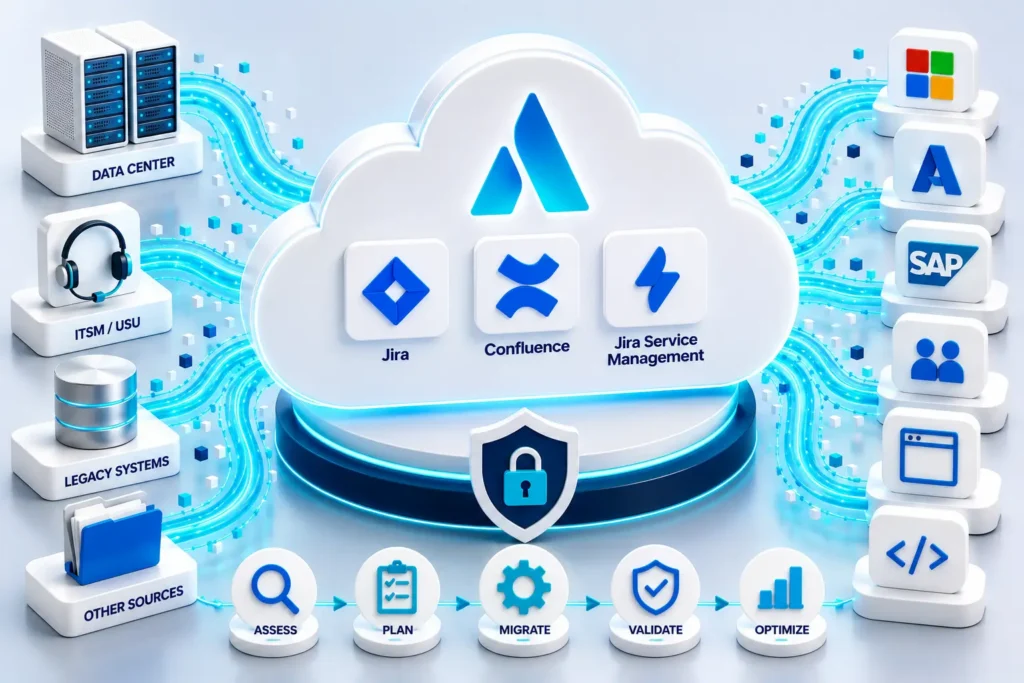
Secure enterprise integrations and data migrations
Bring your Azure infrastructure into Jira Assets
Azure Sync for Jira Assets automatically synchronizes Microsoft Azure infrastructure into Jira Assets, helping organizations build a continuously updated CMDB and improve cloud governance.
Azure Sync for Jira Assets is an solution designed to enhance asset management within JSM Assets. Built on a forge platform, it ensures enterprise-grade security, scalability, availability, and performance.
Features of Azure Sync
- One-Way Synchronization: Automatically sync Azure resources into Jira Assets.
- Customizable Synchronization: Choose between automatic and manual synchronization based on your operational needs.
- Intuitive Visualization: Categorize and visualize your Azure ecosystem in one organized framework.
- Easy Configuration: User-friendly setup process with detailed documentation.
- Developed in Forge: All data are stored inside the Atlassian ecosystem.
Discover the available Azure resources in our Resource Sync Feedback Hub.
Resources and more details
Azure Sync documentation
Comprehensive set of documentation on how this app works
Azure Sync webinar
Join us for a practical webinar
Unlock the full potential of your asset management. Streamline your IT operations and enhance your asset management capabilities, ensuring your data is always current, accurate, and securely managed.
FAQs
What is Azure Sync for Jira Assets used for?
Azure Sync for Jira Assets automatically synchronizes Azure resources into Jira Assets (CMDB), helping organizations manage cloud infrastructure directly inside Jira Service Management. It supports IT Asset Management (ITAM), Incident, Change, Problem, and Service Request Management processes.
With synchronized Azure data, teams can perform impact analysis, map services and applications, track costs, identify unused resources, and improve governance and compliance across their Azure environment.
Read more about common use cases.
Can the app handle multiple Azure subscriptions and enterprise-scale environments?
Yes. Azure Sync for Jira Assets supports importing from multiple Azure subscriptions, including enterprise-scale environments with hundreds of subscriptions. You can import all available subscriptions automatically or specify selected subscriptions manually.
The app also supports scheduled synchronization, historical asset tracking, automation workflows, and flexible CMDB structures for separating or combining environments such as production, testing, or business units.
Is Azure Sync for Jira Assets secure for Enterprise environments?
Yes. Azure Sync for Jira Assets is fully Atlassian Cloud Fortified, meaning it meets Atlassian’s enterprise-grade requirements for security, reliability, and support. This includes regular penetration testing through Bugcrowd and continuous security monitoring.
The app is built on Atlassian Forge and supports Data Residency, secure credential storage, and least-privilege Azure access configuration. You can review the full security details here:
Privacy and Security
Connect USU Service Management and Jira Service Management
Integration between USU Service Management (Valuemation) and Jira, synchronize Jira Issues with USU Tickets.
Features of USM Connector for Jira
- Synchronize Jira Issues with USU Tickets in both directions
- The synchronization can be event-driven (e.g. when an Issue is created) or manual (by clicking on the button Sync with USU).
- Configurable field mapping. You can change the default mapping and extend it with your custom fields.
- The events can be extended by a JQL Condition. It is useful when you want to synchronize only some Issues (e.g. with specific Issue Type).
- The default configuration covers Issues, Comments and Attachments.
- The Connector has two parts: the Jira Plugin and Customization for USU Service Management. The USU Part will be provided by Sykora IT.
- With the synchronization you will save time and money by avoiding duplicate inserting of the same data in Jira and USU.
- With USM Connector for Jira: Object Select you can select objects from USM in Jira
Resources and more details
Connector documentation
Comprehensive set of documentation on how the Connentor works
Read a blog
Read about USM Connector for Jira
Open the communication between USM and Jira today.
FAQs
What is the USU Service Management Connector for Jira used for?
The USU Service Management Connector for Jira enables seamless integration between USU Service Management and Jira, helping teams synchronize tickets, workflows, and service processes across platforms. It improves collaboration between IT operations, development, and support teams while reducing manual work and data silos.
The connector supports automated synchronization of incidents, requests, changes, comments, statuses, and attachments, enabling organizations to streamline cross-platform ITSM workflows and improve service delivery efficiency.
What are the main benefits of integrating USU Service Management with Jira?
The connector helps organizations unify processes between Jira and USU environments without forcing teams to change their preferred tools. Teams can continue working in their native platforms while data stays synchronized automatically in the background.
Typical use cases include cross-team collaboration, centralized ITSM operations, escalation management, DevOps-to-ITSM workflows, and enterprise service coordination between support, operations, and development teams.
Can the connector be used for a migration from USM to Jira?
Yes, the USU Service Management Connector for Jira can also support migration projects from USU Service Management to Jira Service Management. While the solution is primarily designed for live bidirectional integration and synchronization, its USM integration capabilities can significantly accelerate migration projects and simplify the transition to modern Atlassian based ITSM environments.
Ready to integrate or migrate your data?
👉 Contact us today — we’ll get in touch to discuss your needs.
Explore More:

Connecting USM to Jira
We would like to share our experience connecting USM (USU Service Management) with Jira. Introduction USU Service Management (USM) is

IT Asset Management in Jira Assets
Why IT Asset Management matters? Managing IT assets has become a critical discipline for modern organizations. From laptops and servers to

Atlassian Rovo in Practice (Free Introduction)
Explore real-world Atlassian Rovo use cases for your business Let’s talk about your use cases (free introduction) Are you exploring how
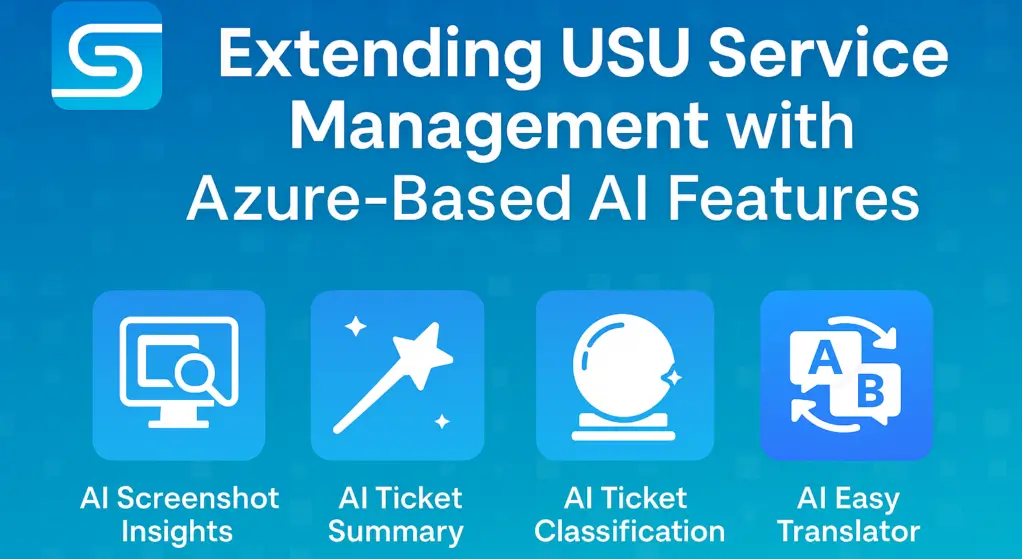
Extending USU Service Management with Azure-Based AI Features
When AI Cloud Meets On-Prem Solutions AI has already become part of our daily lives—whether in our phones, cars, email,

Manage Azure Assets in Jira Cloud Webinar
How to manage Assets in Jira Join us for a practical webinar on building an effective Cloud Asset Management platform in