
From Ticket to Technician
Every company that sends people out to install, inspect, maintain or repair something knows the feeling: a customer is waiting, the right technician is somewhere else, the spare part sits in the wrong warehouse, and the paperwork arrives three days later, if at all. Field Service Management (FSM) is the discipline of getting this under control. Modern IT tools have quietly turned it from a whiteboard-and-phone exercise into a connected digital process.
What is Field Service Management?
Field Service Management covers everything needed to deliver work outside your own four walls: receiving and qualifying service requests, planning and dispatching technicians, executing the job on site, and documenting and closing it afterwards. It sits at the intersection of customer service, workforce planning and asset management.
If your business involves technicians on the road, FSM is your daily reality. This is true whether you run maintenance for energy and utility networks, service telecom or IT infrastructure, keep production lines and industrial equipment alive, manage facilities and HVAC systems, or install and support medical or vending devices. And it is not only for large enterprises: even a twenty-person service team loses real money when trips are planned badly or jobs are documented on paper.
One process, several roles
A well-run field service process connects at least four perspectives:
- The requester or customer reports a problem or orders a service. The request can also be generated automatically, for example by monitoring, an IoT alert, or a recurring preventive-maintenance plan.
- The service desk agent or coordinator qualifies the request: what is affected, how urgent is it, which SLA applies, and what information will the technician need?
- The dispatcher decides who goes where and when, balancing skills, availability, locations, travel times and deadlines.
- The field technician executes the job on site and documents it: work performed, materials used, photos, checklists, customer signature.
Each of these roles is best served by a different kind of tool, and the magic is in how the tools talk to each other.
Step 1: Capturing the request in the service desk
Everything starts with a ticket. Requests can be event-driven (a machine breaks down, a customer calls, a sensor raises an alarm) or planned, such as regular inspections and contractual maintenance visits. A service desk or work-management platform like Atlassian Jira is the natural home for this stage: it gives every request a structured life cycle, tracks SLAs, links the ticket to the affected asset and its history, and keeps the customer informed. Because Jira is also where many companies already run their internal IT and project work, service requests stop living in a separate silo.
Step 2: Planning the job on the dispatching board
Once a ticket is qualified, someone has to answer the hard question: who, when, and in what order? A dedicated dispatching tool gives dispatchers a live planning board where jobs are assigned by drag & drop, routes and travel times are calculated automatically, and skill-based dispatching suggests the right technician for each job. The dispatcher sees on-call duties, working hours, current job status and SLA deadlines in one view, and can re-plan in seconds when a priority incident lands on the board.

Step 3: On site with the technician’s mobile app
The technician should never arrive with less information than the service desk has. A field service mobile app synchronises with the service desk and puts the whole job into the technician’s pocket: task details, asset history, checklists and forms, navigation to the site, and push notifications when something changes. Documentation happens directly at the point of work: photos, notes, time tracking, material consumption via QR-code scan, digital signatures and automatically generated delivery notes. No paper, and no retyping in the evening.
One capability deserves special attention: offline mode. Field work regularly happens where connectivity is poor or deliberately blocked. Think of production halls with heavy shielding, basements and technical rooms, remote substations, or industrial and security zones where mobile devices must not transmit. An offline-first app lets the technician open the job, work through checklists and record documentation without any signal; everything synchronises automatically once the device is back online. Without this, a mobile solution fails exactly where field service is hardest.

Step 4: Closing the loop
When the job is done, the data flows back: the ticket is resolved with full documentation attached, the customer gets a report or delivery note, billing has reliable time and material records, and management gets honest numbers about first-time-fix rates, travel share and SLA performance. Over time this history becomes an asset of its own and the foundation for better planning, as well as for the next topic.
Where AI fits in
Artificial intelligence is not a separate FSM product; it strengthens every step of the chain. In the intake phase, AI can triage and categorise incoming requests, suggest priorities, and draft responses. In planning, optimisation algorithms handle route and schedule calculations that no human dispatcher can do at scale, while predictive maintenance turns asset data into planned visits instead of emergency call-outs. In the field, AI assistants can summarise an asset’s service history for the technician, suggest likely fixes based on similar past jobs, and turn photos or dictated notes into structured documentation. The prerequisite for all of it is the connected digital process described above. AI cannot optimise a whiteboard.
How we approach it at Sykora IT
At Sykora IT we build field service solutions on a proven combination: Atlassian Jira as the service desk and work-management backbone, connected with a specialised field service platform that covers dispatching and the technician’s mobile app. Our role is the part between the boxes: analysing your service process, integrating the tools with your existing systems, and making sure that requests, plans and field documentation flow as one process rather than three applications.
If your technicians still plan in spreadsheets and document on paper, or if your current tools simply don’t talk to each other, we are happy to show you what a connected field service process looks like.


Field Service Management: From Ticket to Technician
Key Takeaways Field Service Management (FSM) connects the entire service process from customer request and dispatching to on-site work, documentation, and job closure. A connected FSM workflow links the service desk, dispatcher, and field technician, ensuring that tickets, schedules, asset data, and field documentation stay synchronized. Mobile access and offline
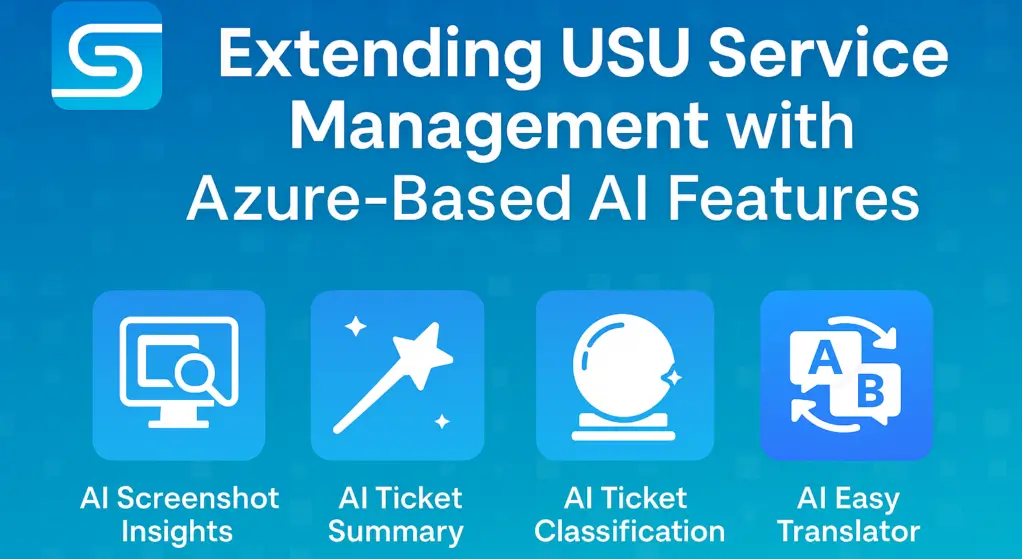
Extending USU Service Management with Azure-Based AI Features
When AI Cloud Meets On-Prem Solutions AI has already become part of our daily lives—whether in our phones, cars, email, or office applications. Most of these innovations are cloud-driven, bringing continuous improvements powered by state-of-the-art AI. But what about on-premise enterprise software? Can it also benefit from these advances while

IT Asset Management in Jira Assets
Why IT Asset Management matters? Managing IT assets has become a critical discipline for modern organizations. From laptops and servers to cloud subscriptions and software licenses, having a clear and reliable overview of your assets is essential for: Cost control – avoid paying for unused or duplicate licenses. Compliance – meet regulatory