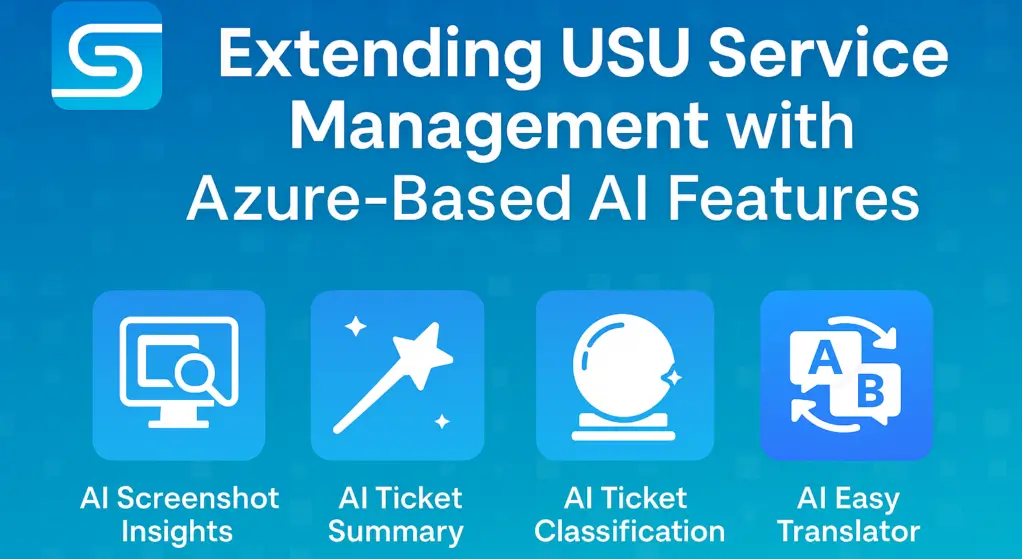
AI Screenshots Insights for Jira vs Rovo OCR capabilities
OCR Rovo Capabilities: From Smart Chat to Full Automation
When working with Rovo and AI capabilities in Atlassian tools, image understanding plays a key role in how efficiently teams can extract and use information. Today, we’re looking at the differences between how Rovo and our app AI Screenshot Insights for Jira handle OCR (optical character recognition) and why automation makes all the difference.
Rovo and OCR – Smart, but Manual
Rovo’s built-in chat is impressively capable. It can process images, understand text, and even reason about the content. However, there’s one major limitation for automation use cases – image uploads must be done manually in the chat window.
That means: no automated pipelines, no hands-free workflows. Great for ad-hoc conversations, but not yet suitable for end-to-end automation.
AI Screenshot Insights – OCR That Works Automatically
Our AI Screenshot Insights app takes a different approach. It focuses purely on OCR and entity extraction, also designed for automation.
When combined with the Rovo Atlassian Agent, you can use it to automatically grab image attachments from Jira issues, extract text and entities, and feed that information back into your workflows – all without manual uploads or constant chat prompting.
Automated Marketing Workflows
In our marketing department, we use this integration to process business cards attached to Jira issues. Whenever a new contact is logged, the system automatically extracts names, company info, and email addresses – ready for enrichment or CRM syncing.
No manual copy-pasting, no chat uploads, just a smooth, automated process.
And that’s just one scenario – similar workflows apply for QA teams processing screenshots of errors, support teams reading invoices or labels, or compliance teams reviewing document scans.
Azure’s Magic, Our Innovation
AI Screenshot Insights converts every character, while offering the flexibility to edit and enhance comments as needed.
AI Screenshot Insights showcases the magic of Azure AI Vision in transforming images to text.
Productivity Unleashed with AI OCR
AI Screenshot Insights enhances your Jira with its ability to interpret attached screenshot.
Click on your attachment to extract text from images.
Be free from manual retyping and swiftly process your meeting visuals.
Capture, Attach, Convert
Retrieve important text from your log files snapshots.
Translate data insights into actionable content, so you can focus on meaningful work.
AI Screenshot Insights content can be manually edited and modified as you need.
Automate the process using our Rovo Agent
With the built-in Rovo Agent, AI Screenshot Insights doesn’t just extract text — it takes action.
Once text is pulled from an attachment, the Rovo Agent can automatically pass the extracted content into Jira Automation, enabling you to trigger workflows, populate fields, add comments, or route issues without manual involvement.
Instead of copying information into Jira fields yourself, the Rovo Agent reads the attachment, makes the text available to your automation rule, and ensures that the right data ends up in the right place. This reduces repetitive work, eliminates typing errors, and speeds up your entire ticket-processing flow.
You simply define what should happen with the extracted text, and the Rovo Agent handles the rest — reliably, consistently, and fully automated.
Key Contacts:
Matej Štrba